The Process | Business Hub OS
See plansBook a call with us ↗

THE PROCESS · THREE WORKED EXAMPLES

Every build follows the same road. Here it is, step by step.

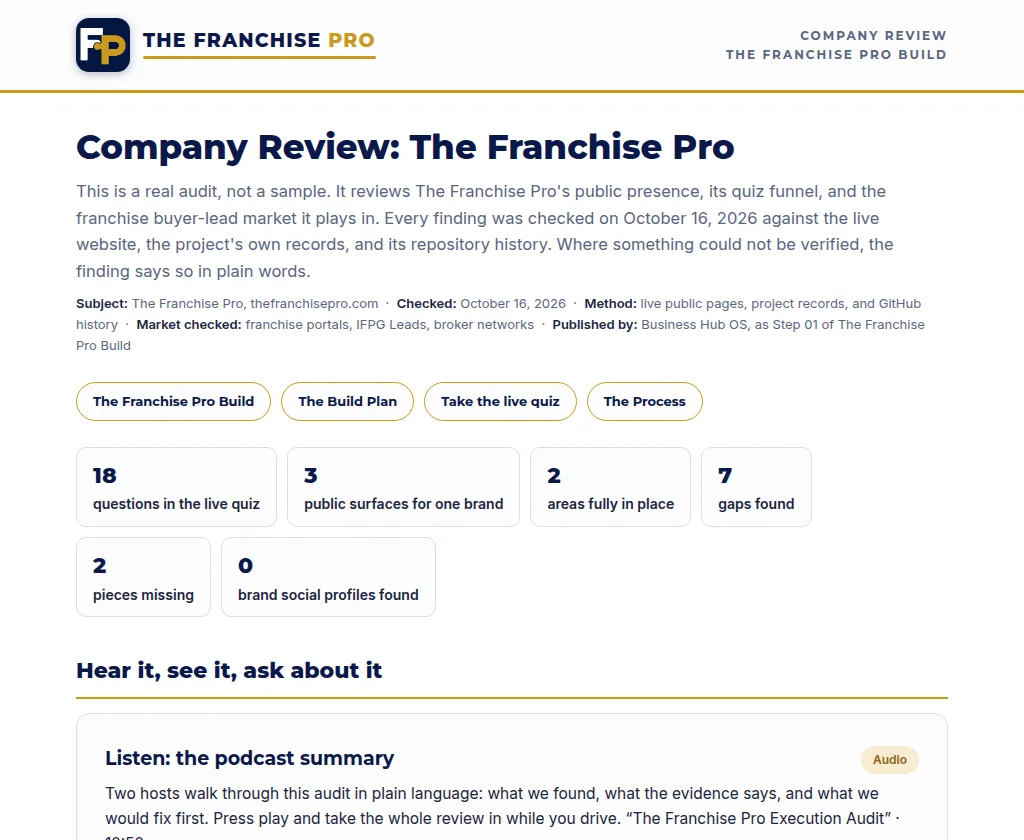
This is the exact path a Business Hub OS build takes, from the first audit to a fully connected system. We walk it with one real client, Argent Reach, Pete Reynolds’ cybersecurity firm, because nearly every step below exists in their world for real. Where a step has a live artifact, we link it.

Argent ReachWorked example: Argent Reach
Cybersecurity partner program, built on Business Hub OS

See the process for:

01

Step 01 · The Audit

We start with findings, not opinions.

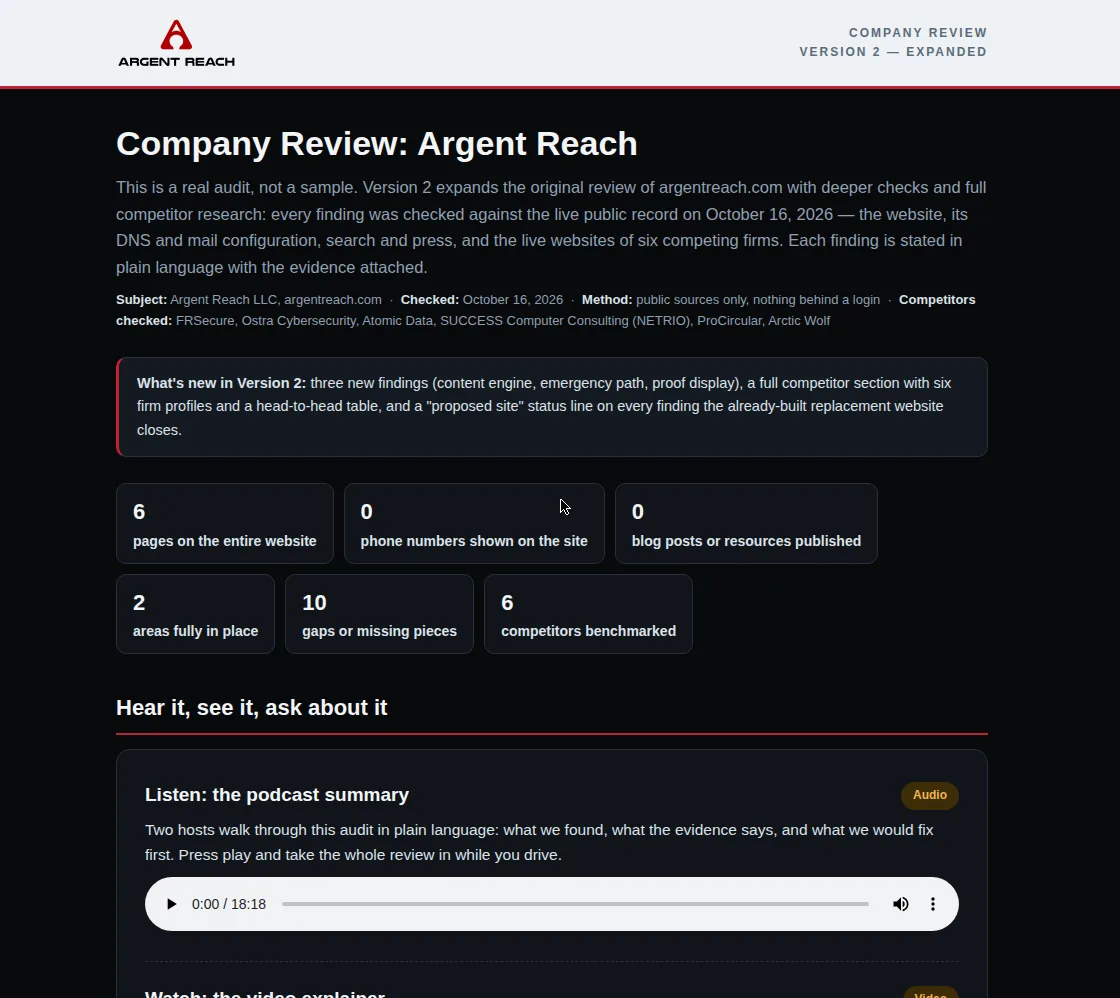
Before we recommend anything, we review the company’s online presence, its systems, and the places leads can leak. The audit names each gap in plain language, with the evidence attached, so the plan that follows is built on what is actually there.

Argent Reach: the review found a strong partner program with no shared system to run it in. That gap list became the build order for everything below.
See the example review →
Watch the explainer ↗
Listen to the podcast summary ↗
  Company Review · Argent Reach
Company Review: Argent Reach, real audit of argentreach.com
The live Argent Reach company review: the findings behind Step 01, exactly as published.
02

Step 02 · The Call

We walk the findings together.

The audit turns into a working session. We go through the gaps one by one, agree on what matters first, and map the sequence, so nobody gets sold a bigger system than they need yet.

Book your call ↗
  Working Session
Review the audit
Findings, in plain language
Done
Rank the priorities
What ships first, and why
Done
Map the sequence
Build order, owners, timing
Agreed
We start building
We start building when your plan starts. One monthly price, no separate setup fee.
$99/mo and up
Argent Reach: their working session produced a published session page, so every decision sits on the record.
03

Step 03 · The Proposal

A written plan, published as its own page.

Every engagement gets a proposal page: the scope, the sequence, and what gets built in what order. It lives at its own link, so partners and stakeholders read the same plan we are building from.

See the live proposal ↗
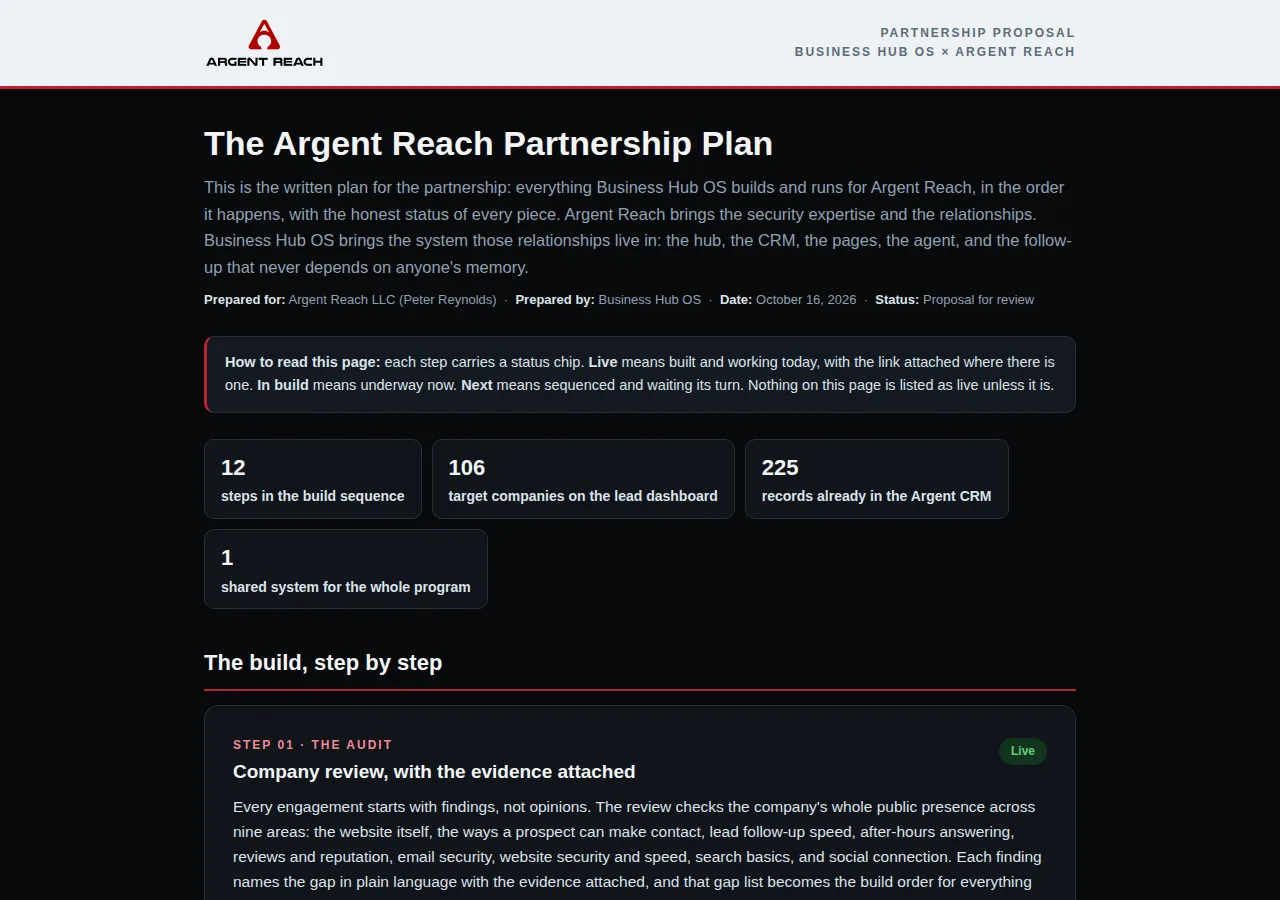
Proposal with avatar videos · Argent Reach ↗
  Proposal · Argent Reach Partnership
Argent Reach partnership proposal, prepared by Business Hub OS
The live Argent Reach partnership proposal: the plan behind Step 03, exactly as published.
04

Step 04 · The Website

A site built to convert, wired to everything behind it.

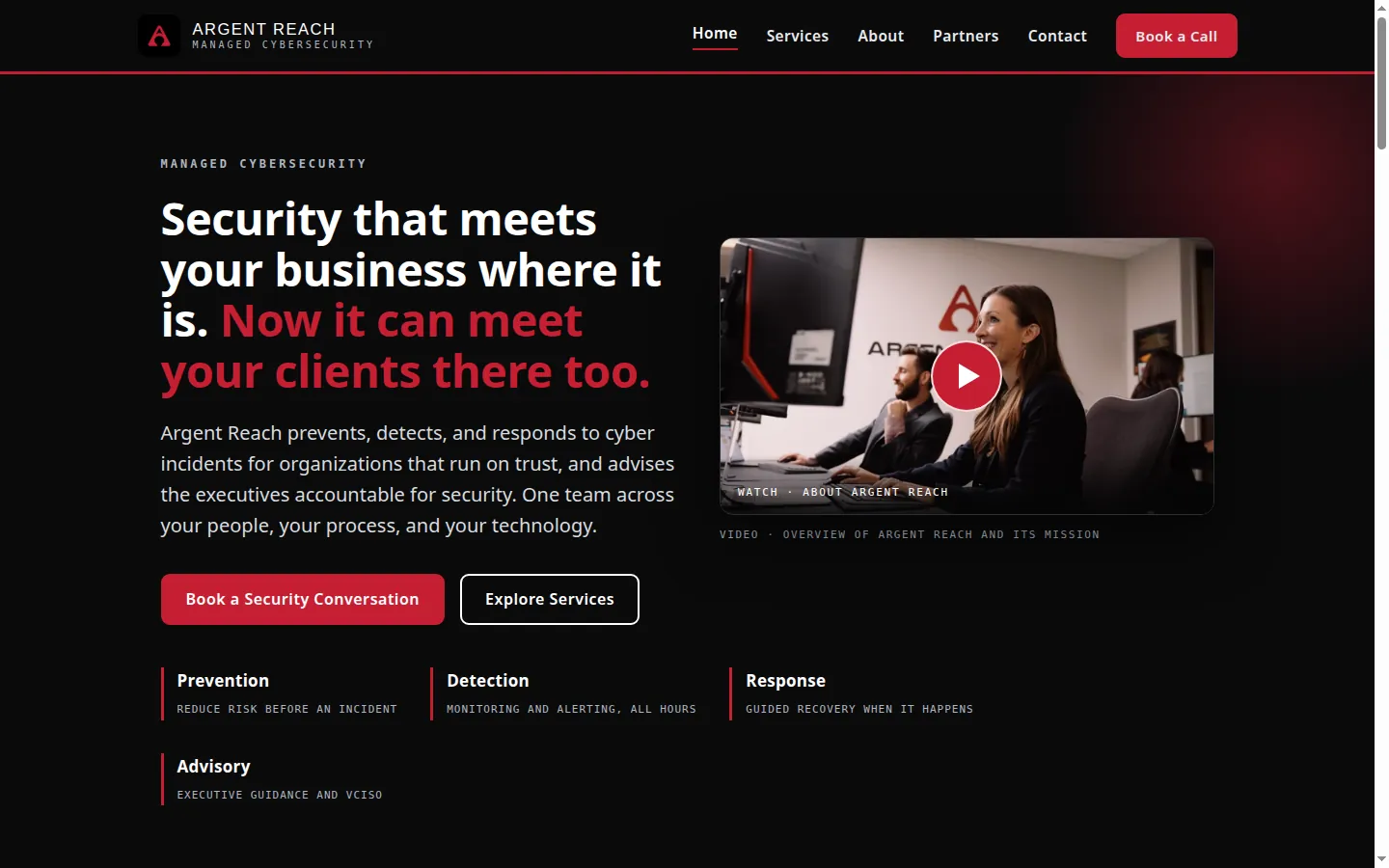
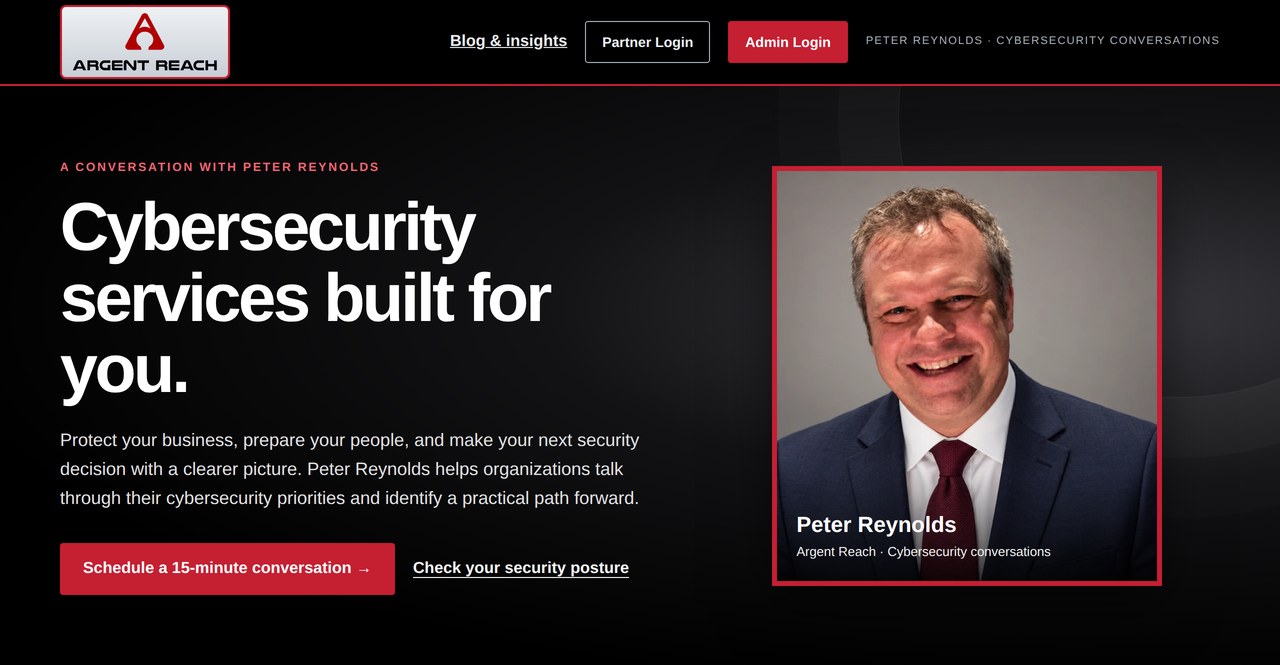
Next comes the public face: a fast site that explains the offer clearly and sends every inquiry into the system instead of a forgotten inbox. For Argent Reach, the full company website is live today, and every rep also gets a personal landing page inside the same system. Pete’s is right below it.

Visit the Argent Reach website ↗
Rep landing page · Pete’s ↗
05

Step 05 · The AI Agent

An agent that answers, qualifies, and books.

Argent’s AI agent covers the hub line and the website chat. It answers from approved facts only, qualifies the person on the other end, and books the next step, in the middle of the day or the middle of the night.

Guardrail: the agent only states facts the client has confirmed. It never invents prices, services, or promises.
Meet the live agent ↗
  Argent Reach · AI Agent
AR
We had a phishing scare last week. Can someone look at our systems?
Yes. I can book a coverage review with the team. What size is your organization?
About 40 people, two locations.
Booked. You will get a confirmation and a short prep list by email.
06

Step 06 · The Lead Dashboard

Every target, on one board.

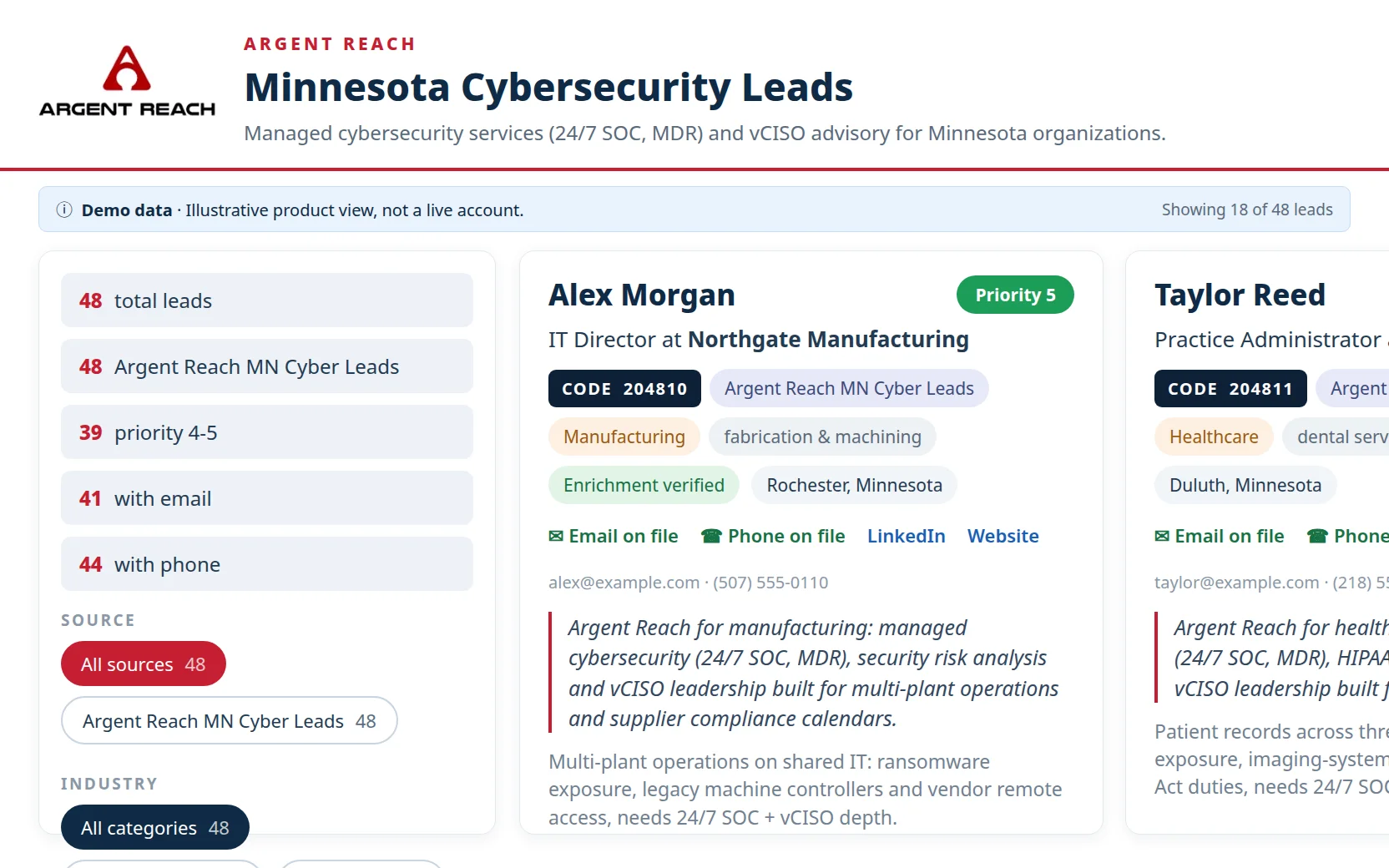
We scrape the leads, enrich them, and create the dashboard for you, then import it into your CRM. For Argent Reach, that dashboard holds 106 Minnesota companies across four sectors. Every company carries its own lead code, and every record names the decision maker, so outreach starts with a person, not a guess.

Open the live dashboard ↗
  Lead Dashboard · Argent Reach
SectorCompaniesDecision maker
Manufacturing36Named on file
Healthcare34Named on file
Wealth Advisors19Named on file
Insurance17Named on file

106 companies, each with a lead code that follows it into the CRM.

07

Step 07 · Into the CRM

The dashboard feeds the CRM.

Dashboard rows never sit in a spreadsheet. Each company and decision maker becomes a tracked record in Argent Reach Mission Control, tagged and staged in the pipeline, ready for outreach and follow-up that does not depend on anyone’s memory.

Sample view: the board below shows the pipeline shape with sample cards. Real records live in the client’s CRM.
See the sample pipeline →
  CRM Pipeline · Sample

New Lead

Clinic groupLead code 200014
Steel fabricatorLead code 100027

Reached Out

Wealth firmLead code 400006
Food processorLead code 100031

Responded

Agency ownerLead code 300011

Meeting Booked

Hospital IT leadReview scheduled

Won

Coverage clientOnboarding
Argent Reach

The system itself, wearing Argent Reach’s brand.

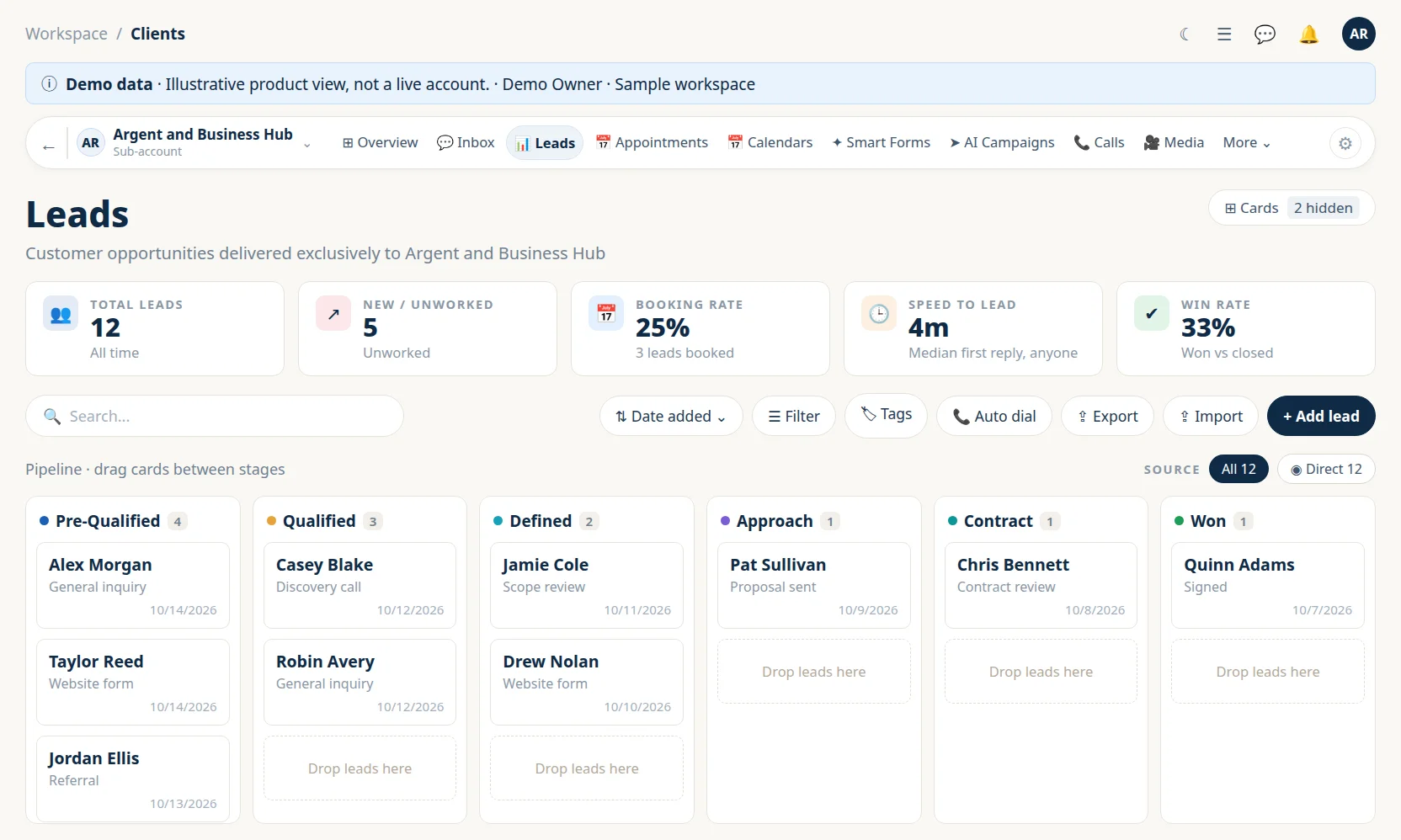
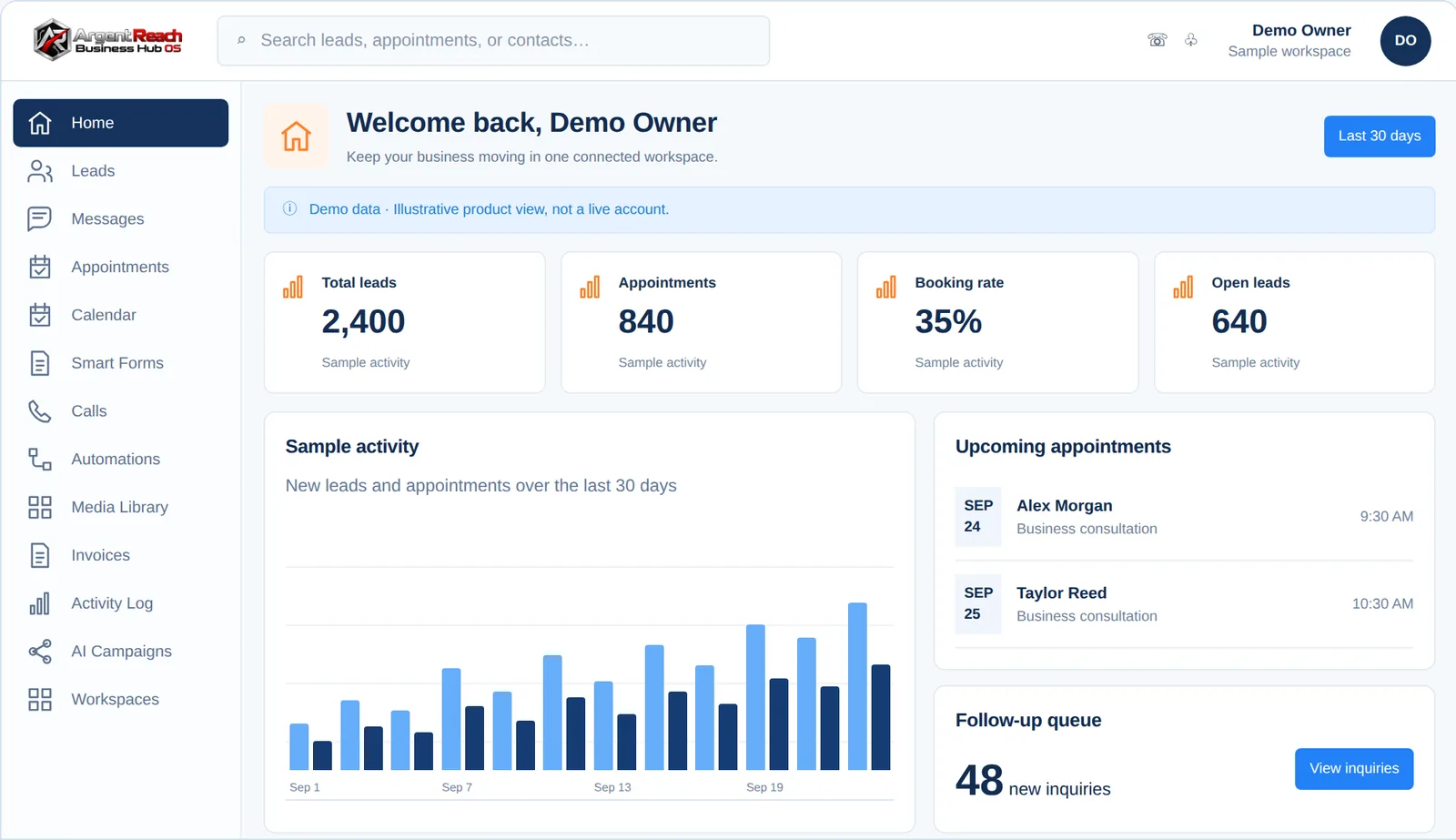
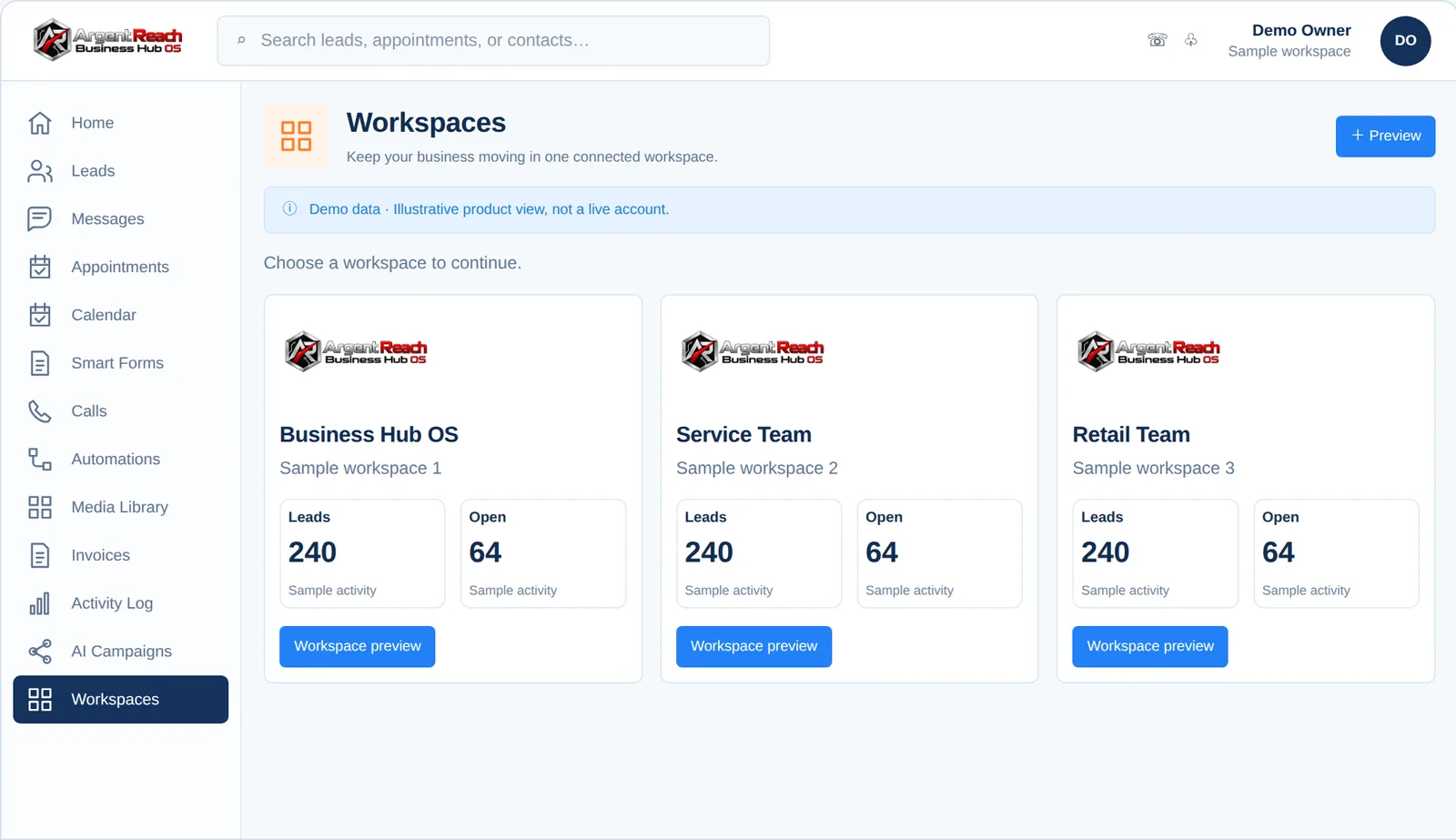
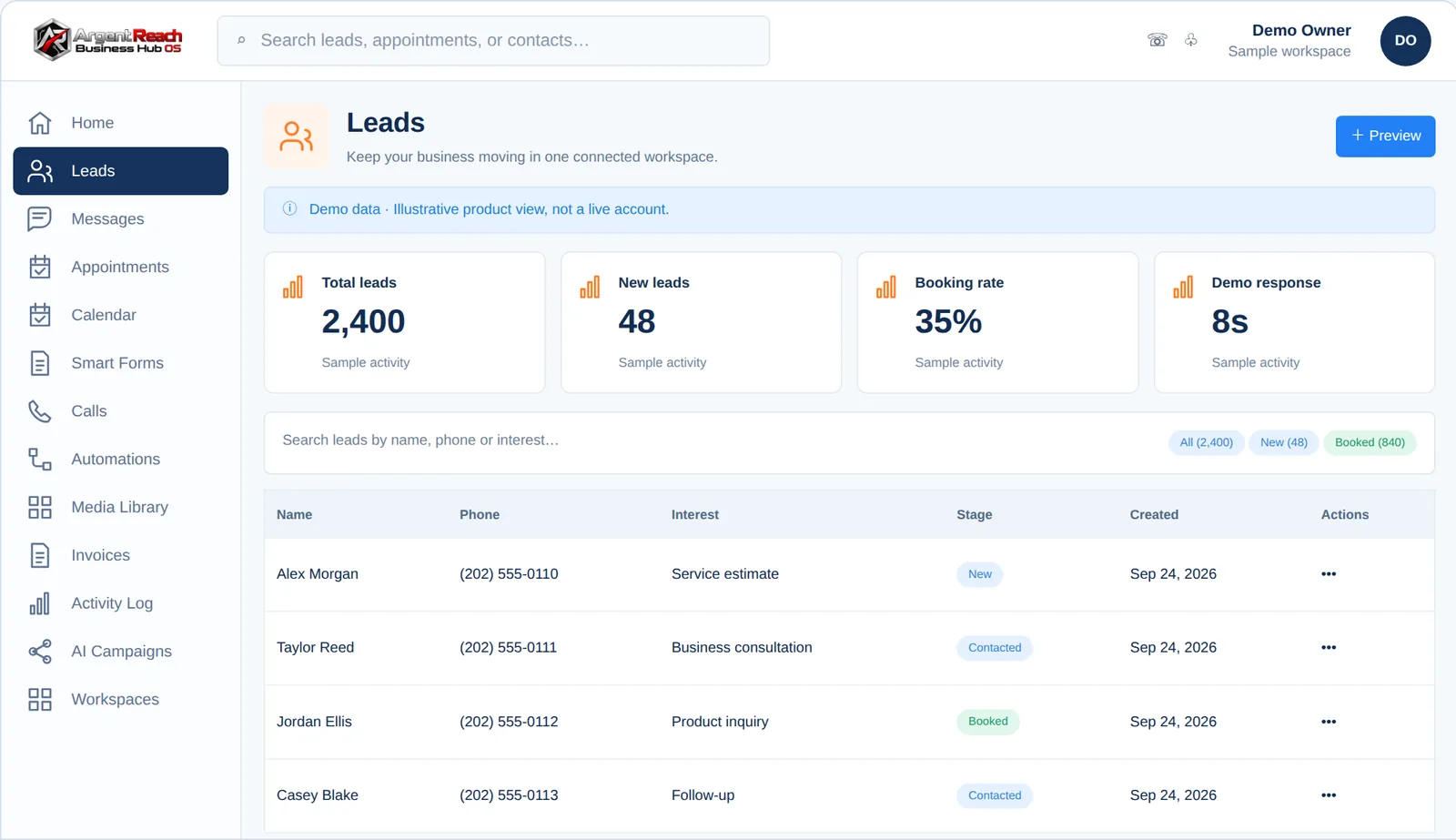
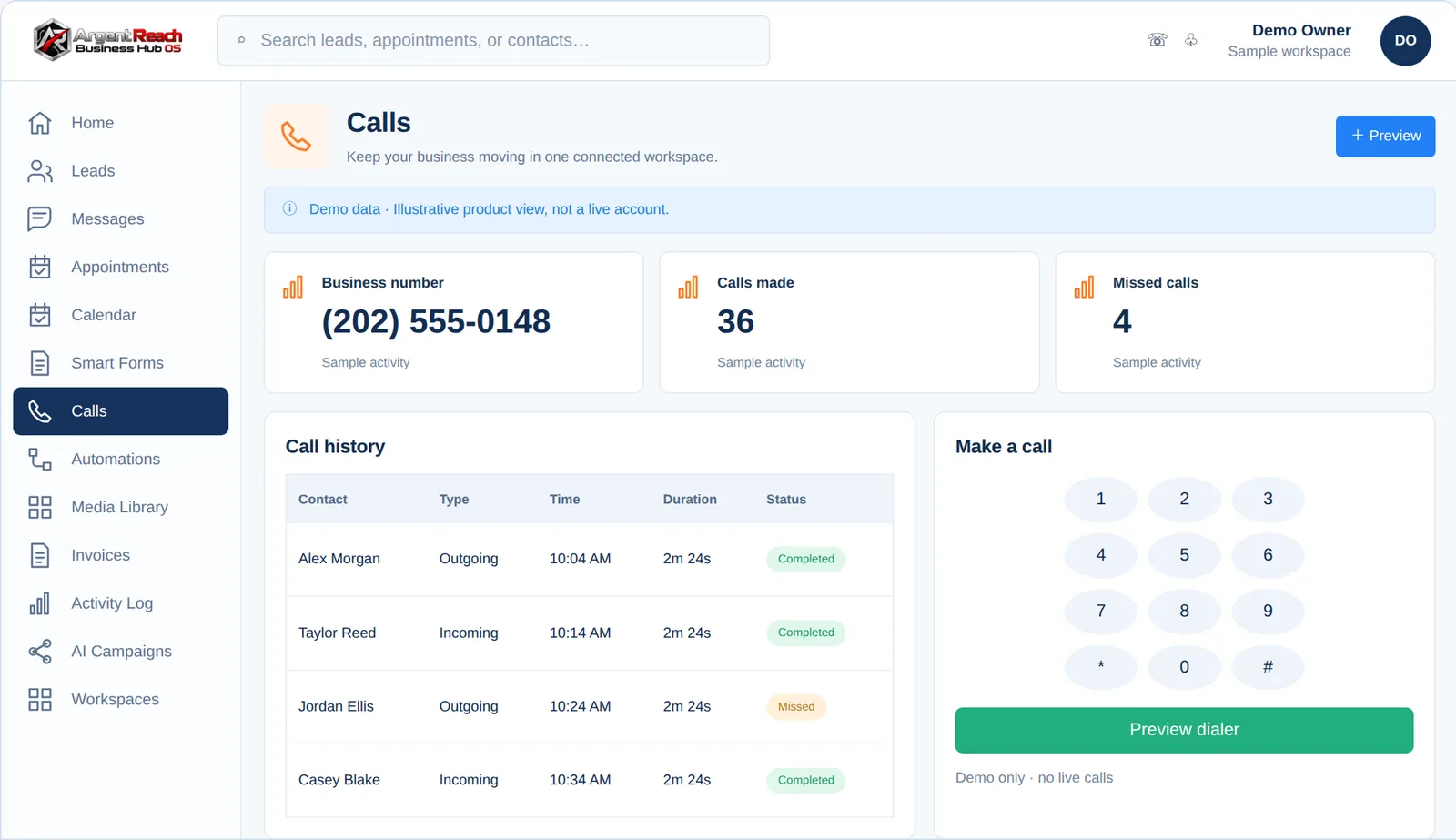
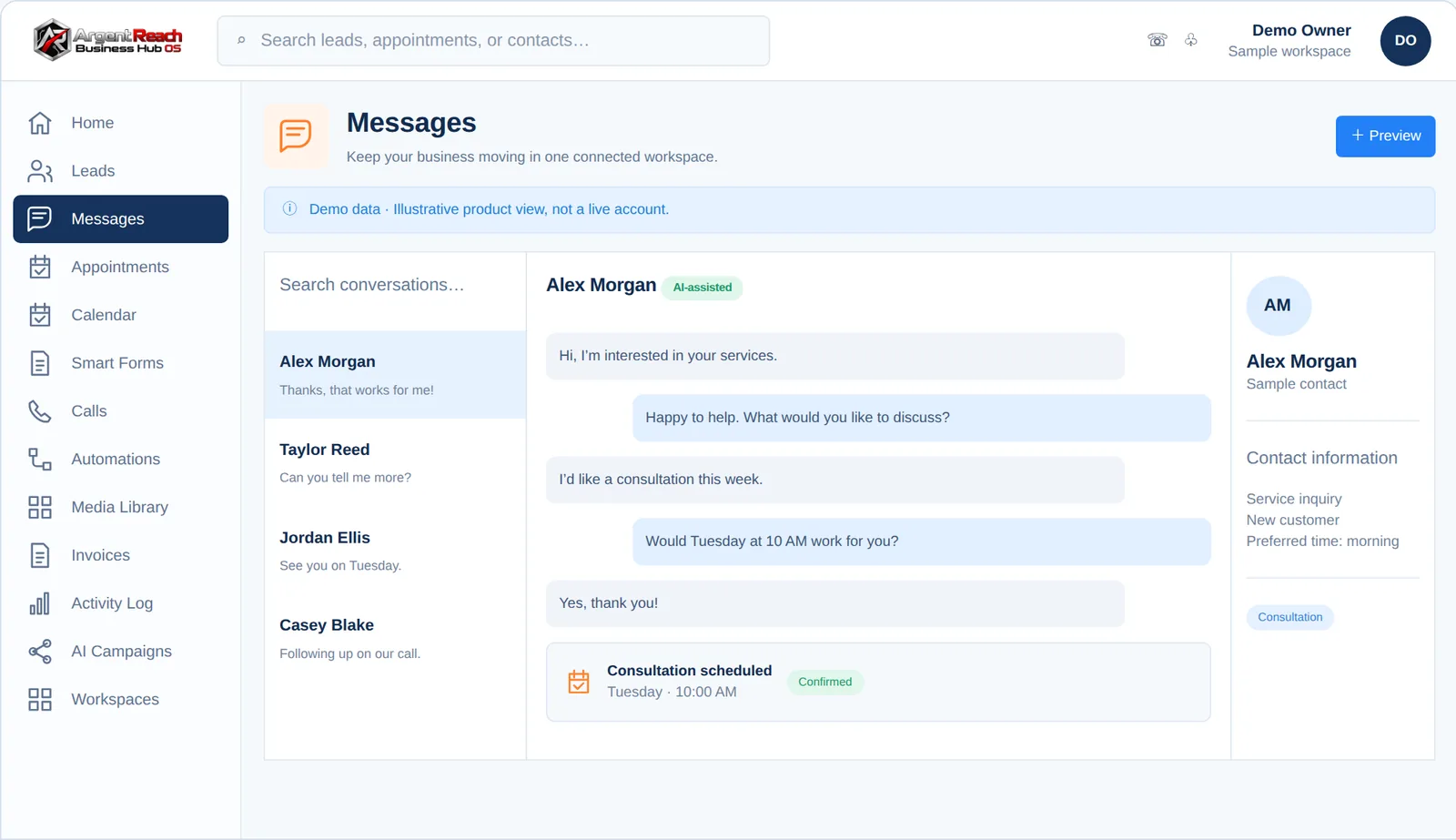
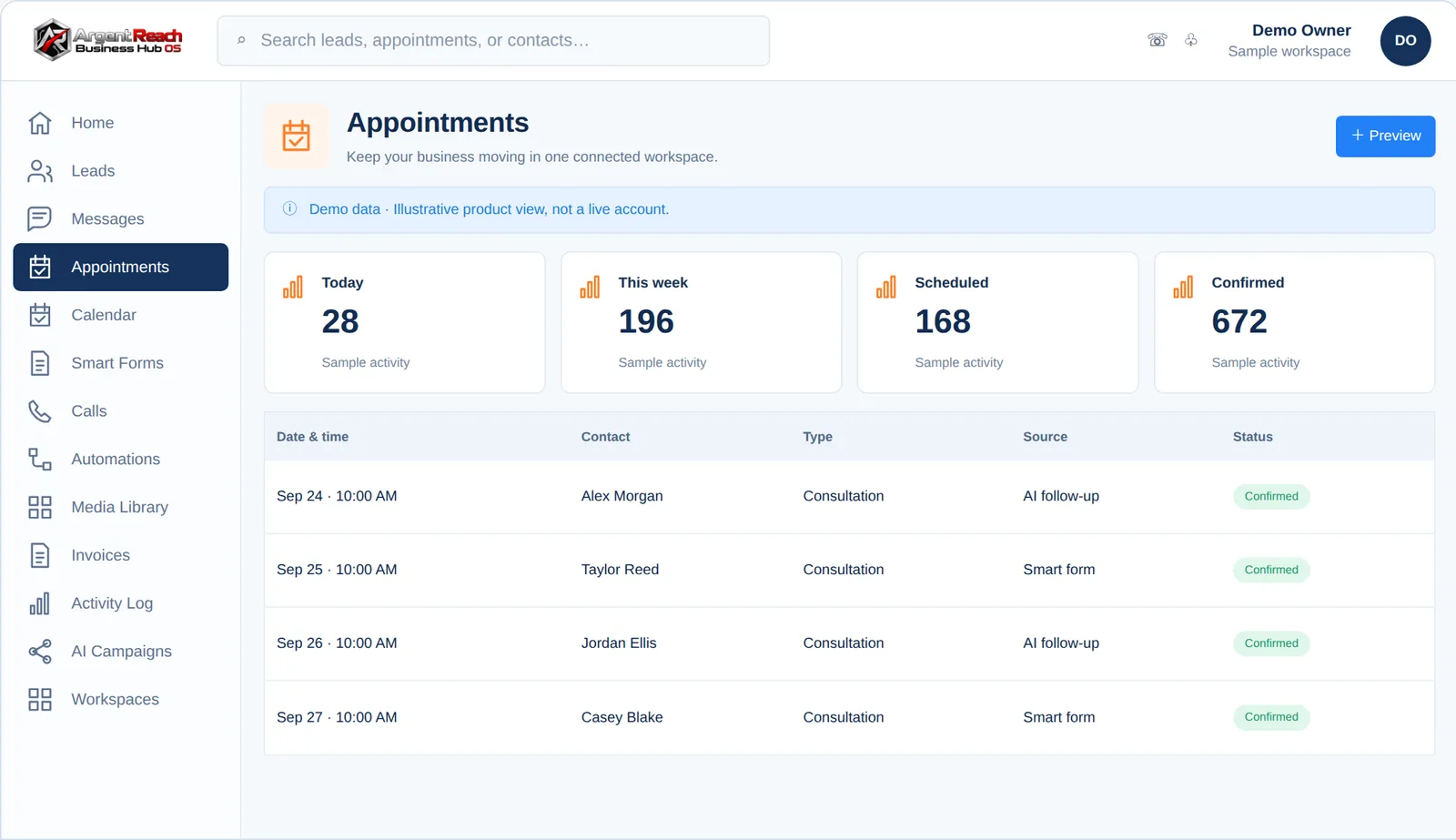
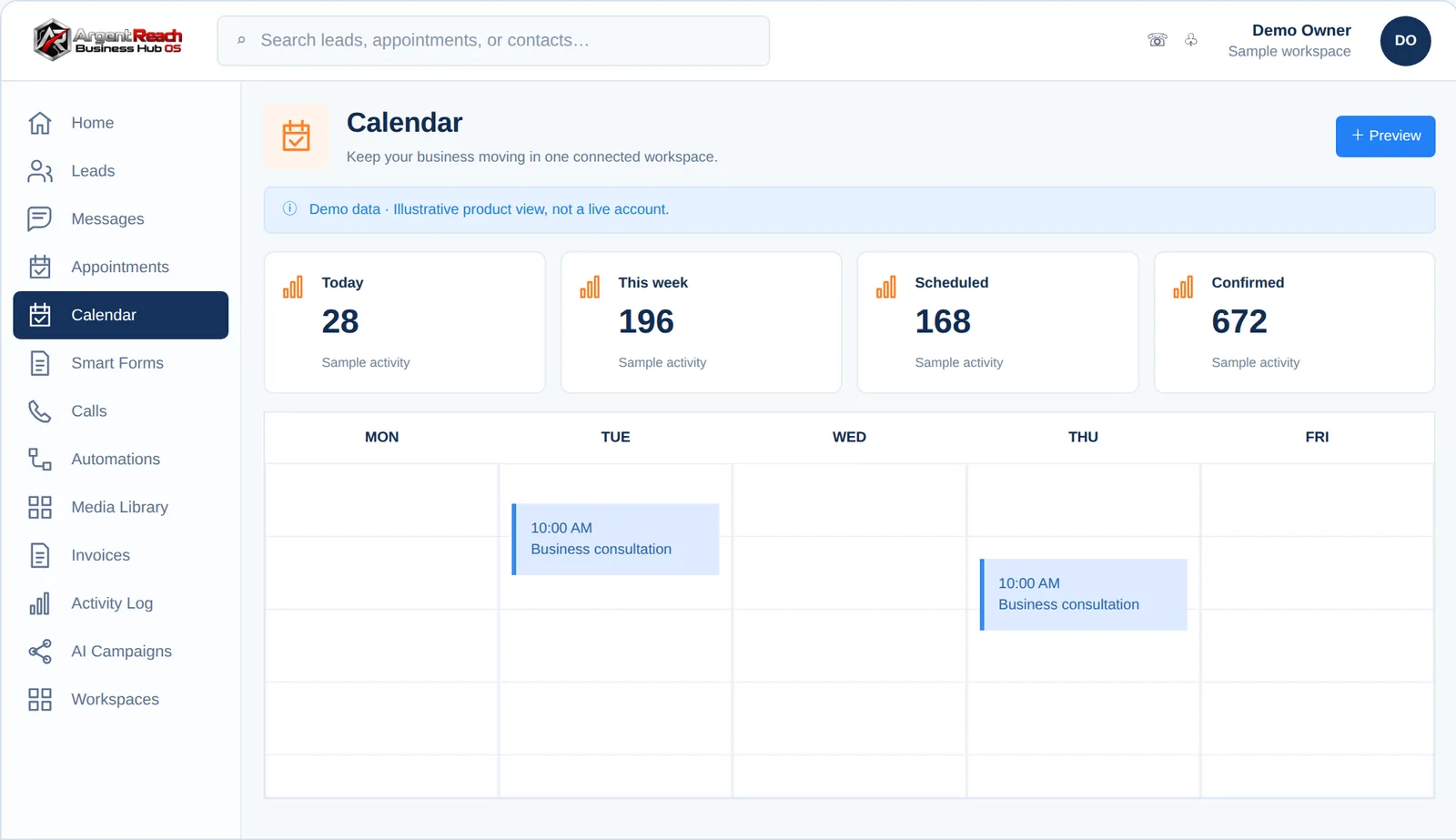
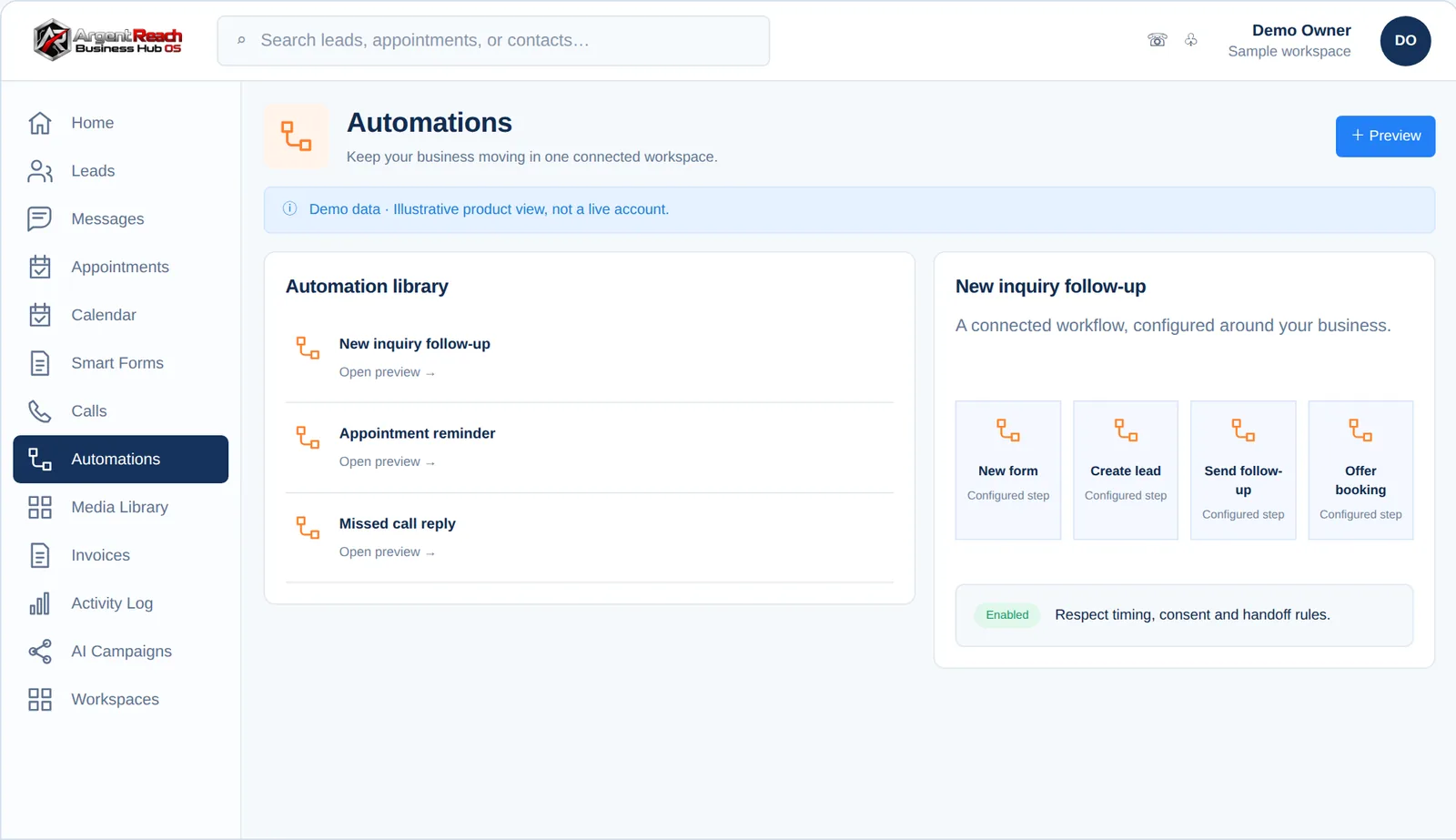
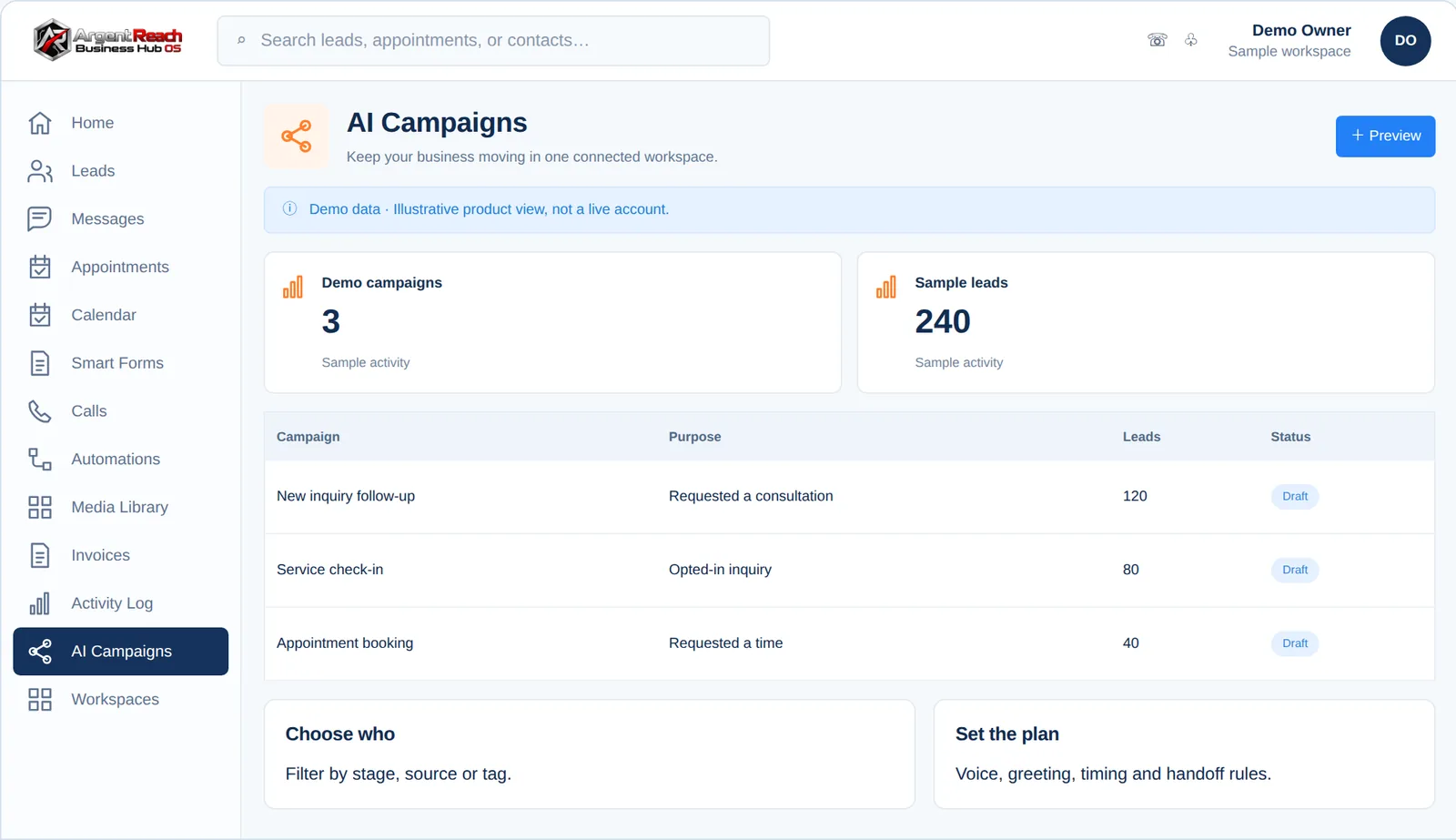
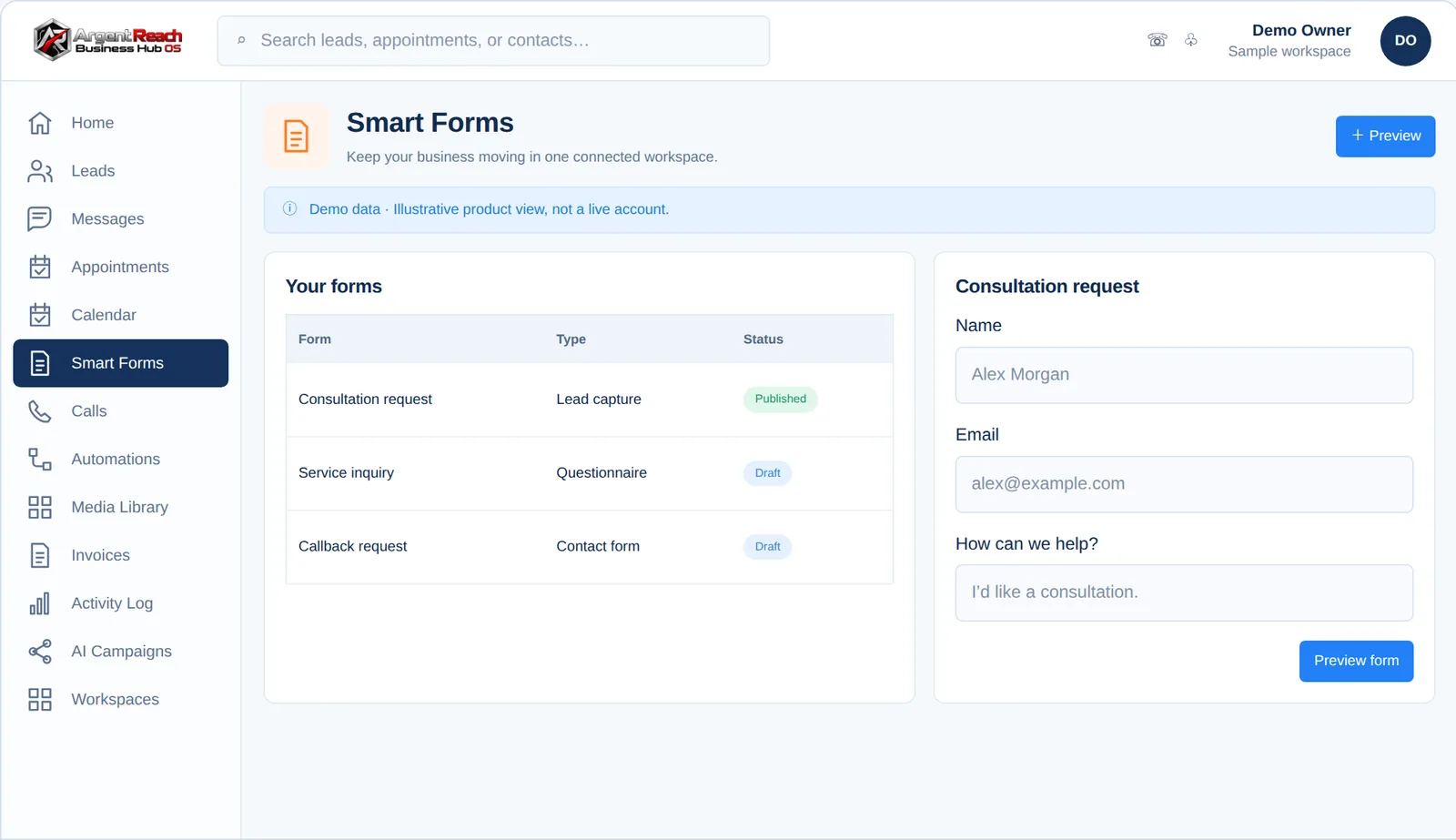
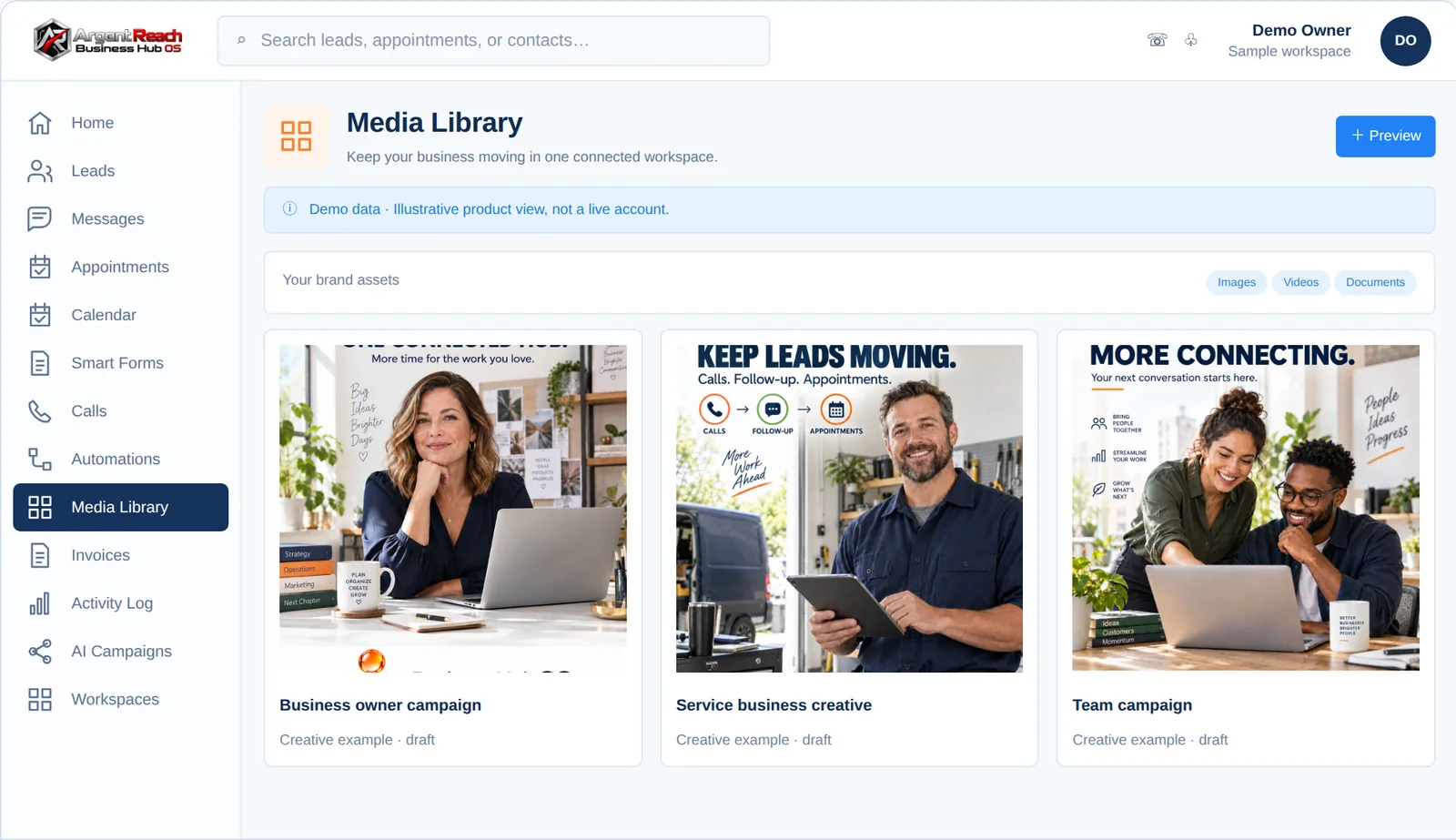
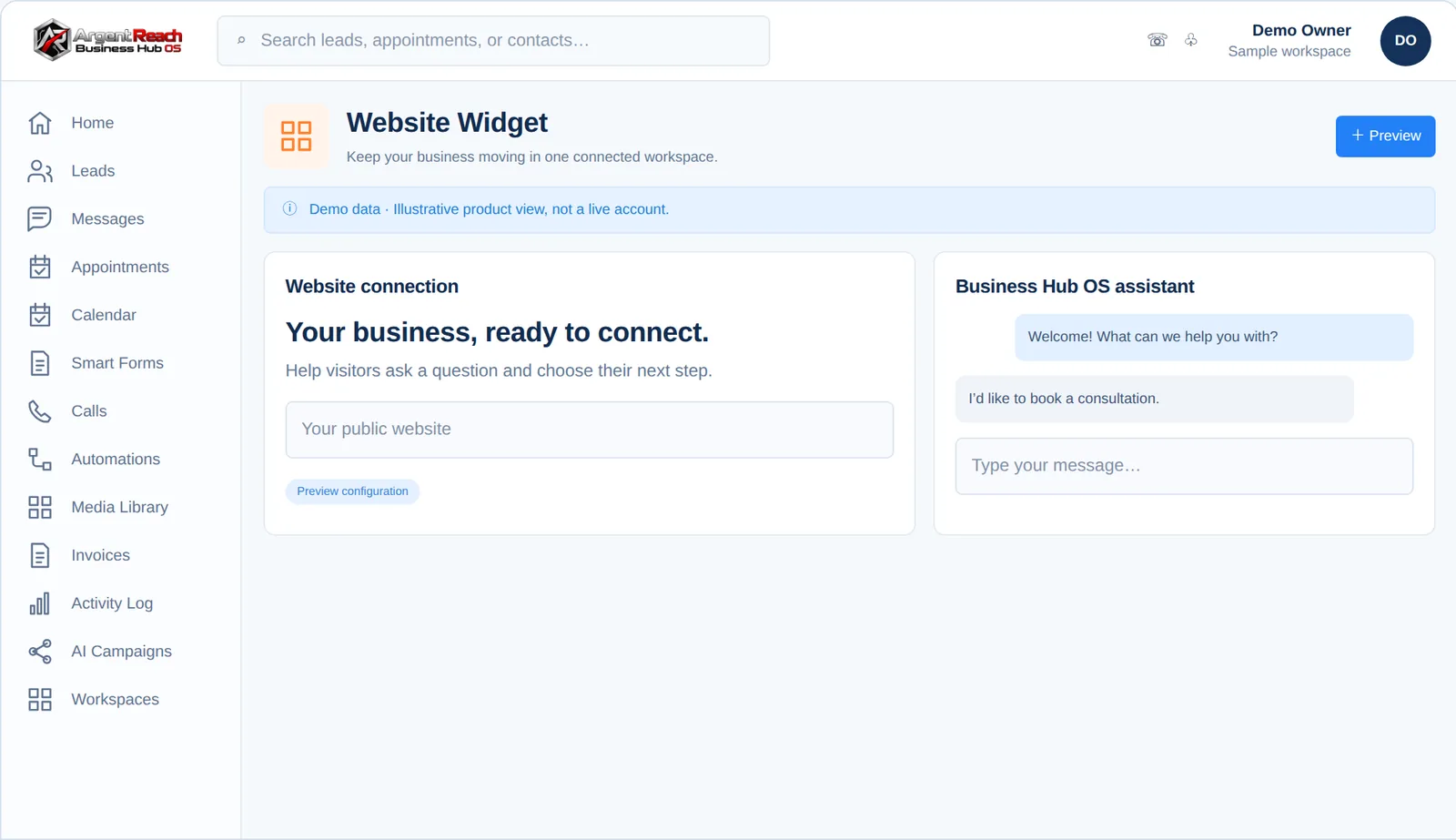
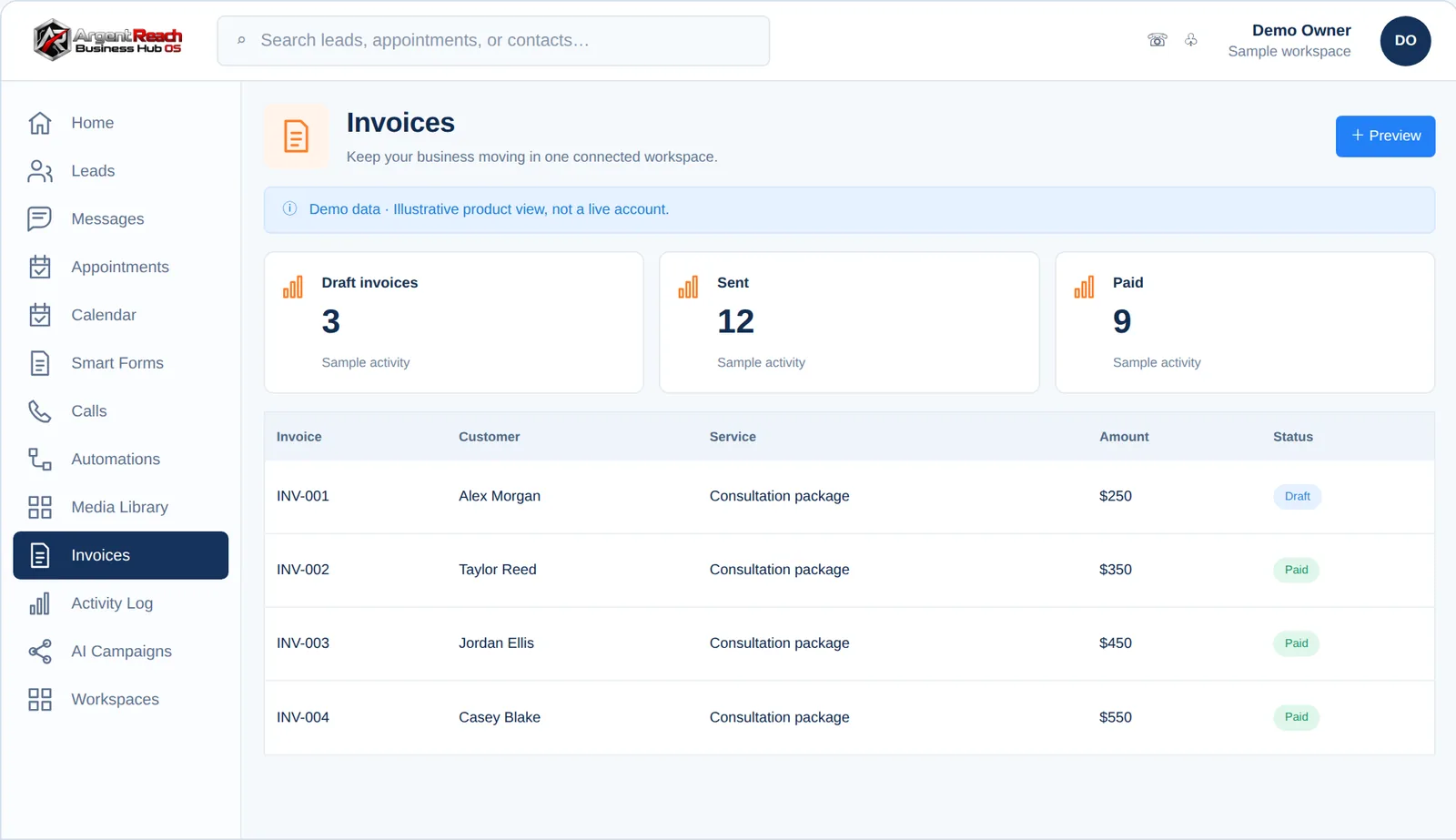
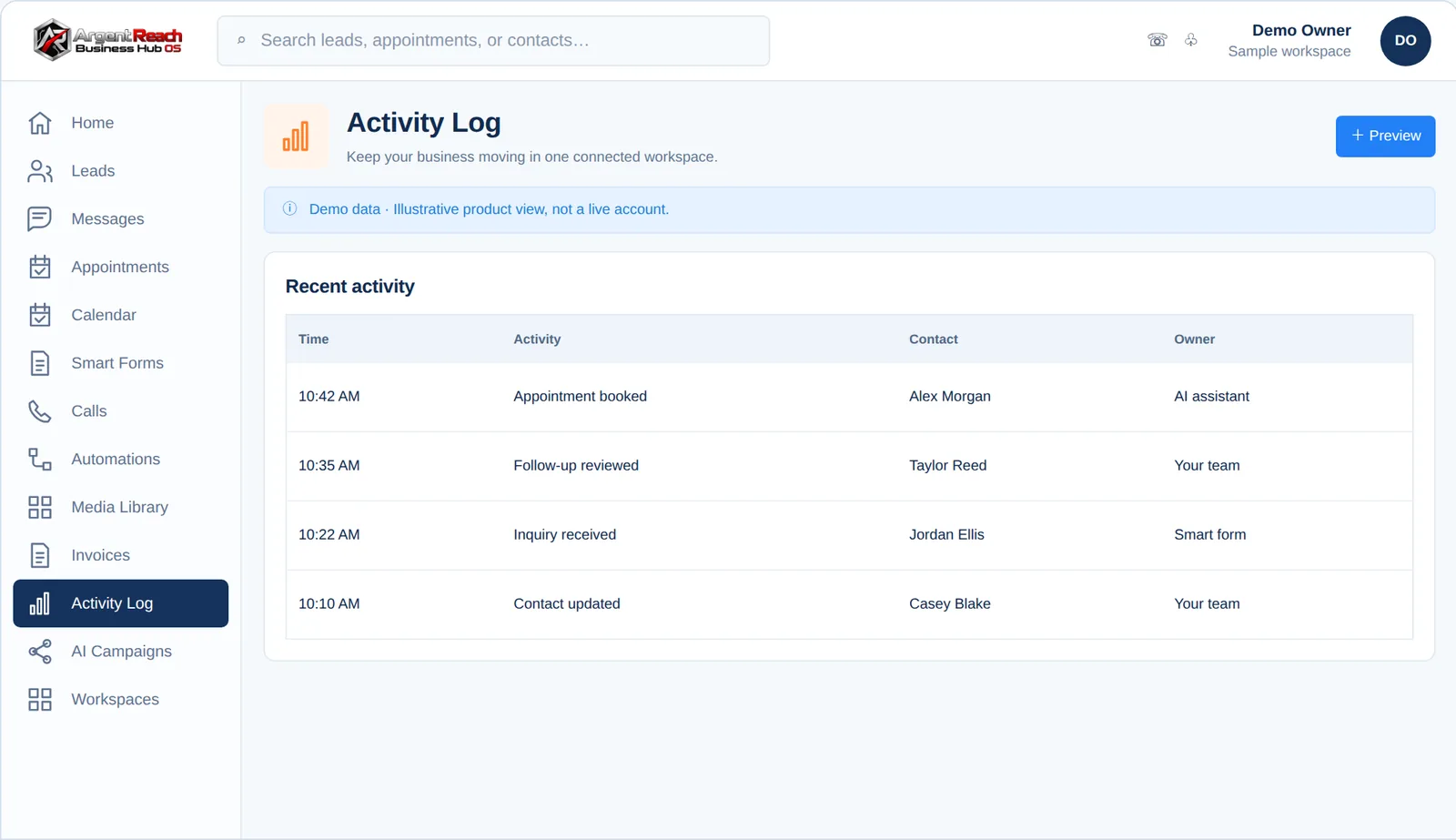
Every Business Hub OS client gets the same operating system behind this page: one CRM for leads, calls, messages, bookings, automations, and follow-up. It ships branded to the client, so for Argent Reach this is Argent Reach Mission Control, the CRM Pete’s team works in every day. These are the real screens of the platform, shown with sample data. Step through the views with the arrows, or pick one from the strip below.

Argent Reach Mission Control · pipeline view of the CRM
Pipeline view · Every engagement, every stage, visible1 of 15
Argent Reach Mission Control · Command Dashboard view
Command Dashboard
Argent Reach Mission Control · Client Workspaces view
Client Workspaces
Argent Reach Mission Control · Lead Pipeline view
Lead Pipeline
Argent Reach Mission Control · Call Tracking view
Call Tracking
Argent Reach Mission Control · Unified Messaging view
Unified Messaging
Argent Reach Mission Control · Appointments view
Appointments
Argent Reach Mission Control · Team Calendar view
Team Calendar
Argent Reach Mission Control · Automations view
Automations
Argent Reach Mission Control · AI Campaigns view
AI Campaigns
Argent Reach Mission Control · Smart Forms view
Smart Forms
Argent Reach Mission Control · Media Library view
Media Library
Argent Reach Mission Control · Website Widget view
Website Widget
Argent Reach Mission Control · Invoices view
Invoices
Argent Reach Mission Control · Activity Log view
Activity Log

Scroll sideways, or tap a view to see it big →

08

Step 08 · The Workspace & Hub

One command center for the whole operation.

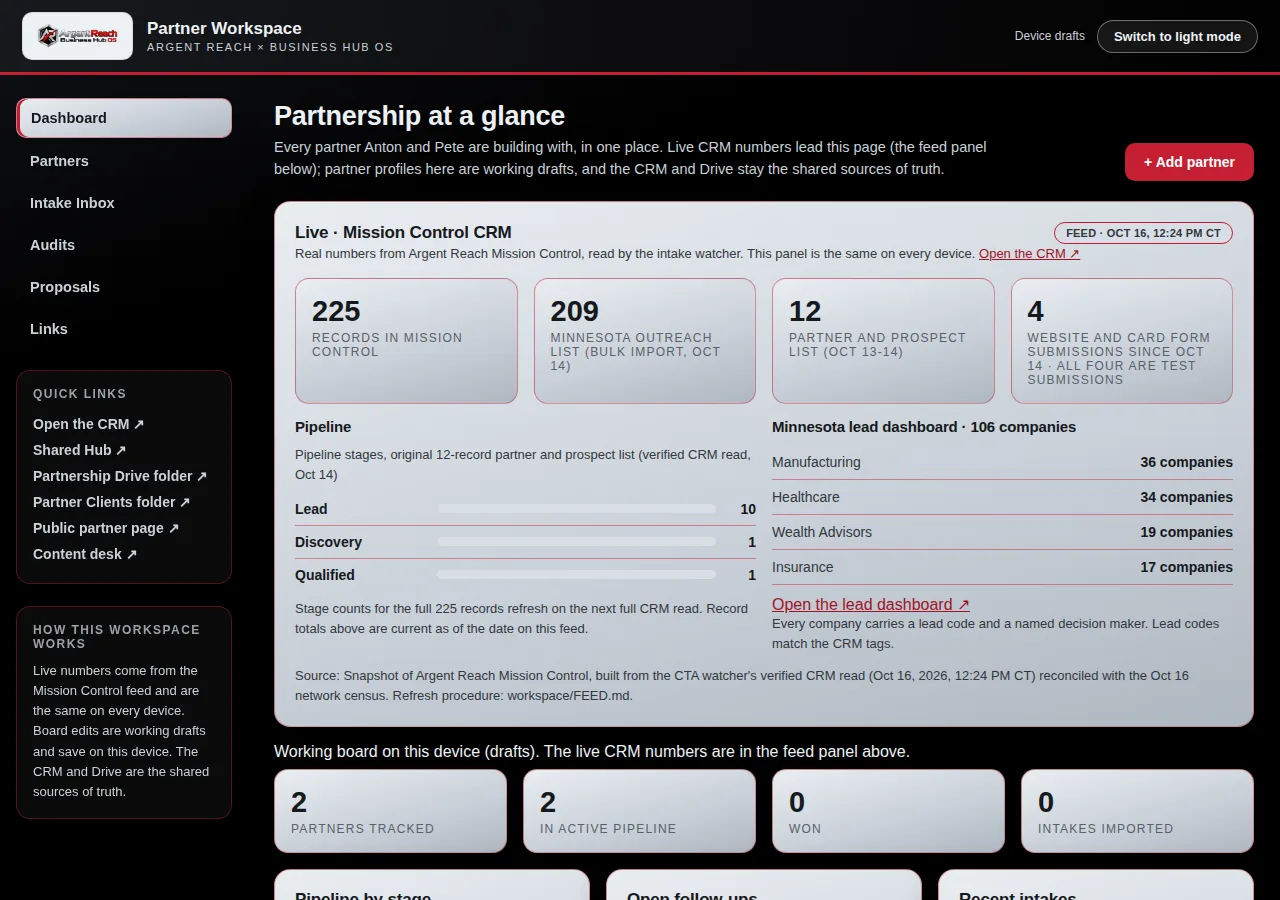
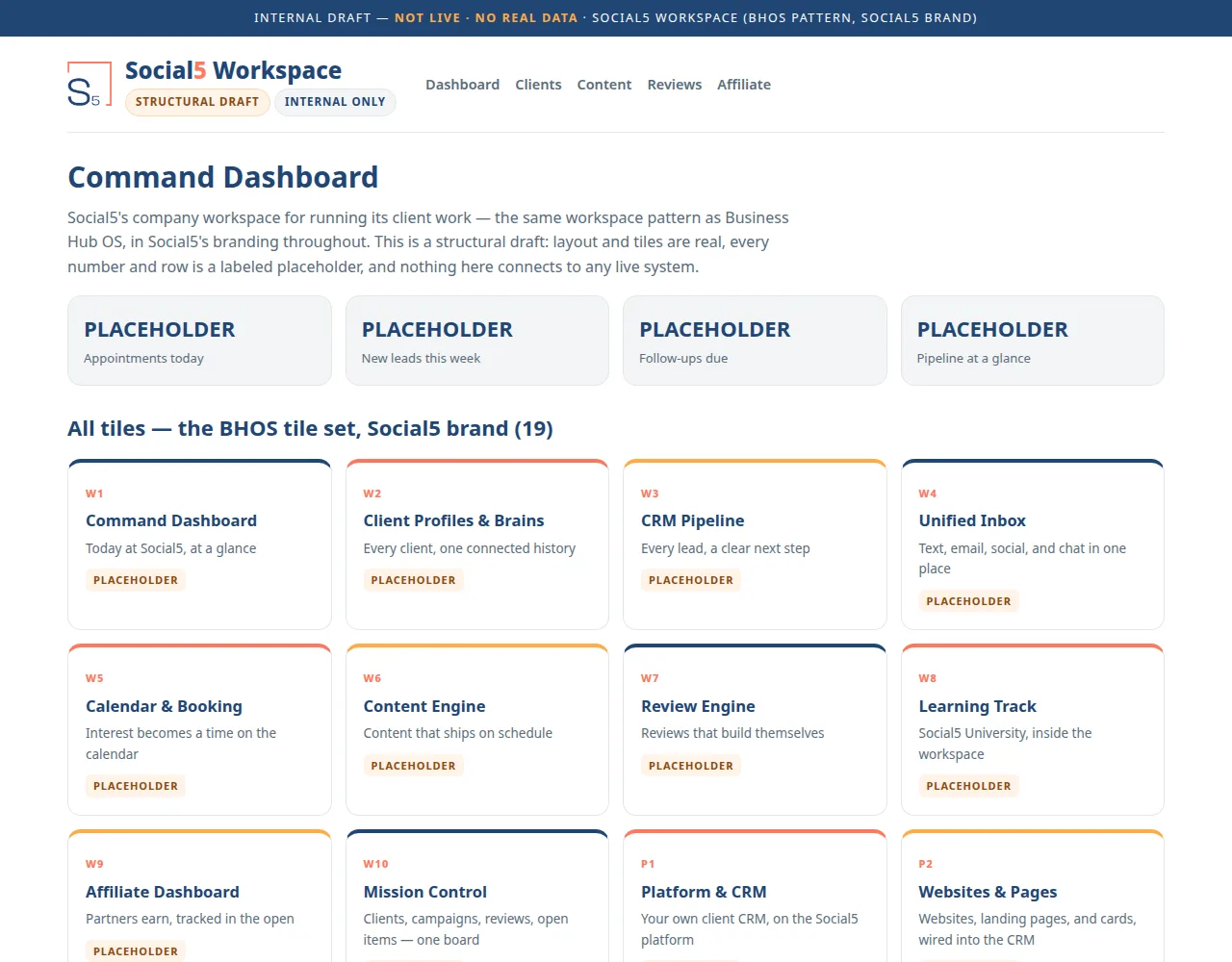
The workspace is where the client lives day to day: projects, agents, files, and results in one place. For Argent Reach, the partner hub gives Pete and his partners one shared view of pursuits, pages, and the program they are building together.

Visit the shared hub ↗
  Admin Login · Argent Hub
Admin Login: the Argent Reach partner workspace dashboard, showing the live Mission Control CRM feed
Admin Login: the shared workspace dashboard, with the live Mission Control feed on top.
Admin Login ↗
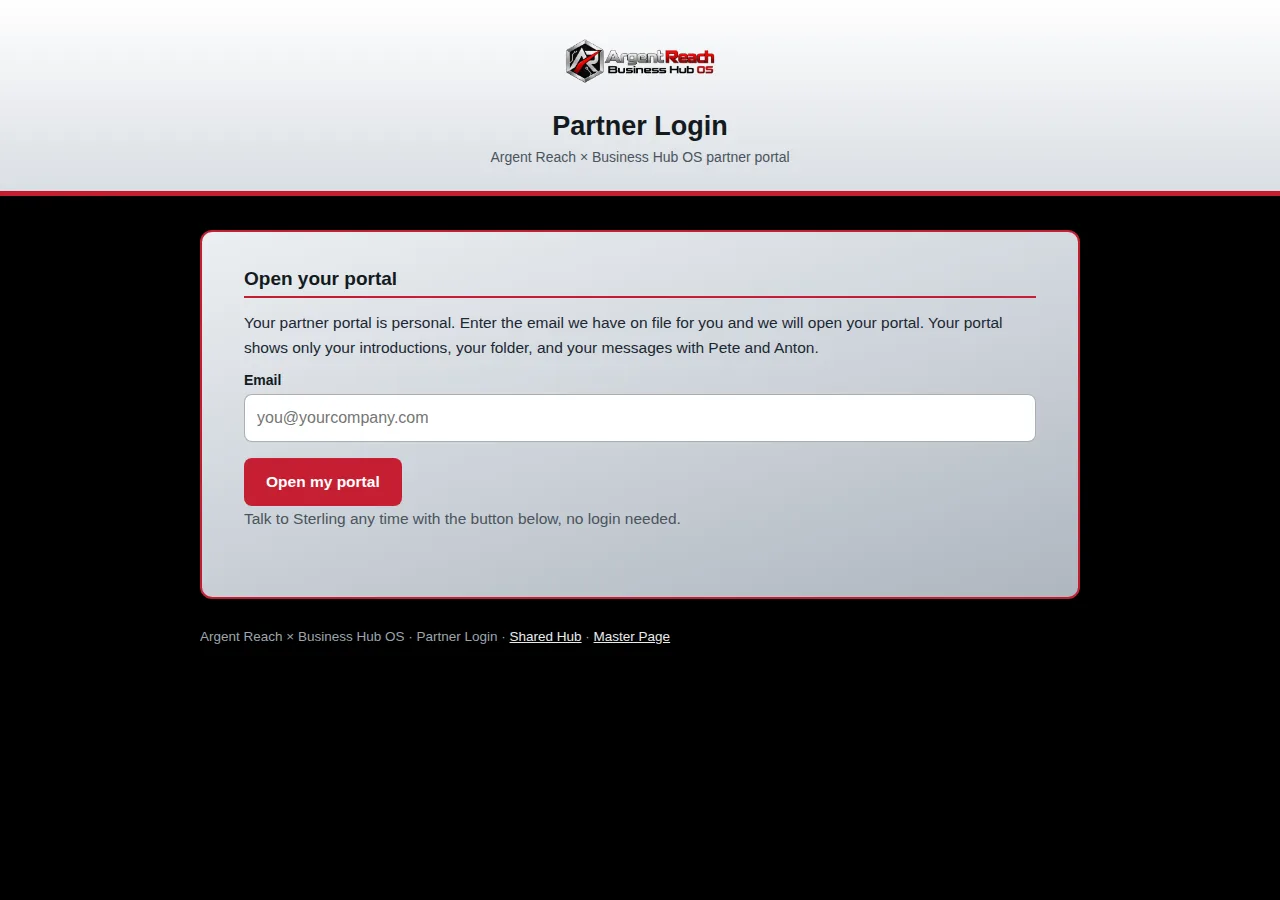
  Partner Login · Argent Reach
Partner Login: the Argent Reach partner portal login page
Partner Login: the partner portal, where each partner opens their own introductions, folder, and messages.
Partner Login ↗
09

Step 09 · Content Creation

Content gets made inside the system.

Posts, ads, and explainers are produced in the same place the leads live, using the client’s real branding and approved facts. No separate design queue, and no hunting for the latest logo or the right photo.

Argent Reach: program explainers and partner recruiting pieces are drafted from the same facts the agent uses, so the story stays consistent everywhere.
Read a post made in the system ↗
10

Step 10 · Social Everywhere

One compose, nine connected accounts.

A finished piece goes out through our social engine from a single compose to the nine accounts we keep connected: Facebook, Instagram, X, LinkedIn (personal and company), YouTube, Google Business, TikTok, and WhatsApp. The team approves once, and the system handles the posting, the sizing, and the schedule.

One approval, everywhere: the same piece, formatted correctly for each platform, with no copy and paste marathon.
See a live post ↗
  Connections · Argent Reach
Search accounts…All profiles
Argent Reach
Argent ReachWhatsApp · Business
Connected
Argent Reach
Argent ReachFacebook · Page
Connected
Pete Reynolds
Pete ReynoldsLinkedIn · Personal
Connected
Argent Reach
Argent ReachLinkedIn · Company
Connected
Argent Reach
Argent ReachYouTube · Channel
Connected
Argent Reach
Argent ReachX · Profile
Connected
Argent Reach
Argent ReachInstagram · Business
Connected
Argent Reach
Argent ReachGoogle Business · Profile
Connected
Argent Reach’s account, live: every channel connected in one place, and this is only some of them.
  Publish · One Compose
Facebook logoFacebook
Instagram logoInstagram
LinkedIn logoLinkedIn
X logoX
YouTube logoYouTube
TikTok logoTikTok
Google logoGoogle
WhatsApp logoWhatsApp
Threads logoThreads
Pinterest logoPinterest
Reddit logoReddit
Snapchat logoSnapchat
Discord logoDiscord
Telegram logoTelegram
Nextdoor logoNextdoor
11

Step 11 · The Unified Inbox

Every reply lands in one inbox.

Wherever the conversation is happening, on WhatsApp, Facebook, Instagram, or X, the replies land in one unified inbox. The AI drafts the reply, the team approves or edits, and nothing waits unseen in a platform nobody remembered to check.

The point: posting everywhere only works if the answers come back to one place. This is that place.
See the example inbox →
  Unified Inbox
All 4WhatsAppFacebookInstagramX
Saw your post about phishing reviews. How do we start?
AI DRAFT · AWAITING APPROVALHappy to help. The first step is a coverage review, about 30 minutes. I can hold Thursday at 10 or Friday at 1. Which works?
12

Step 12 · The Virtual Business Card

The front door that never closes.

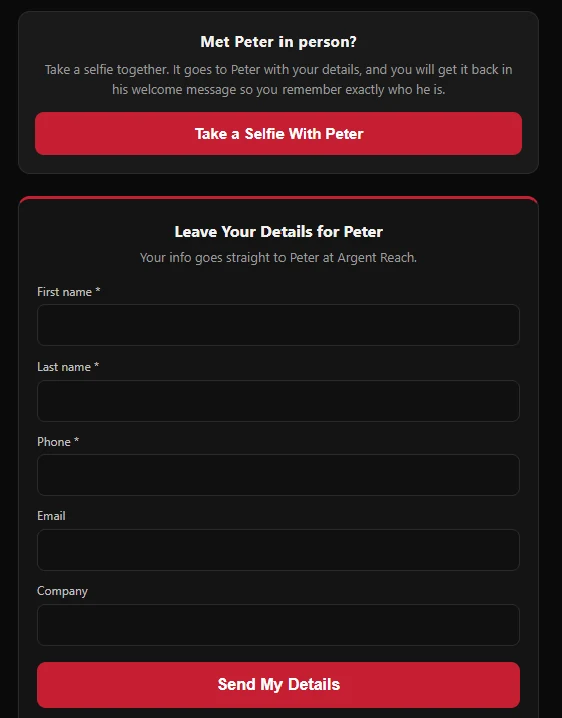
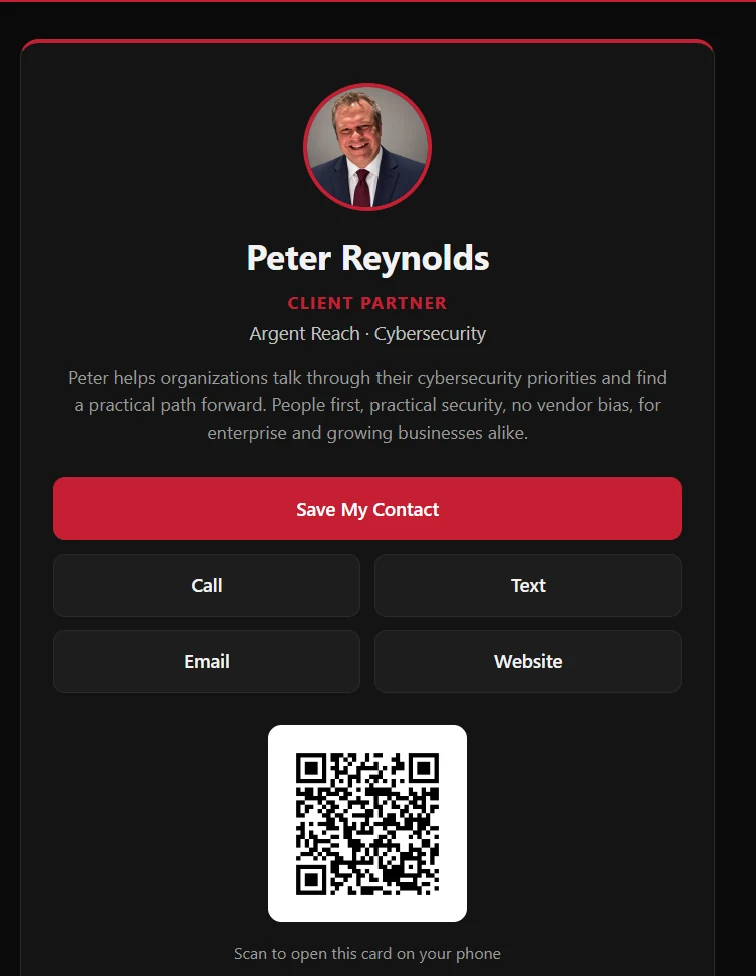
Pete’s virtual card carries his photo, his details, and one tap to call, text, or save his contact. When someone shares their details back, the card captures them straight into the CRM, so a handshake becomes a record.

See Pete’s live card ↗
Pete Reynolds' virtual business card: contact buttons and QR code The same card's selfie and details form

What the client receives

The road ends with products in hand.

Every build hands over the same connected products, branded to the business and already talking to each other. These are Argent Reach’s, live today, the same four a business runs on after its own build.

Pete Reynolds' virtual business card: contact buttons and QR code

Product · Virtual Business Card

The Virtual Business Card

Every team member gets a hosted card with their photo, a personal QR code, and tap-to-call, text, or email. Visitors can take a selfie with the rep, and when they share their details back, the capture form sends them straight into the CRM.

See Pete’s live card ↗
Argent Reach Mission Control · the CRM pipeline view

Product · The CRM

Their Own Mission Control

One CRM, branded to the business, where the leads come in: pipeline, calls, messages, bookings, and follow-up in a single system, with the phone app in every pocket. For Argent Reach, that is Argent Reach Mission Control.

See the CRM screens in Step 07 ↑
The Argent Reach company website

Product · The Website

The Company Website

A full company website in the business’s own brand, built to explain the offer and convert, and wired into the same system, so every inquiry becomes a record instead of an email in a forgotten inbox.

Visit the Argent Reach website ↗
Argent Reach lead dashboard: 106 Minnesota cybersecurity leads

Product · The Dashboard

The Lead Dashboard

We scrape the leads, enrich each record, and build the dashboard for you, then import everything into your CRM. Argent Reach’s dashboard holds 106 Minnesota companies across healthcare, manufacturing, insurance, and wealth advisory, each with its own lead code and a named decision maker.

Open the live dashboard ↗

YOUR TURN ON THE ROAD

Want this road run for your business?

Start with the audit, or skip straight to a call. Either way, the first step is a conversation about what the findings say.

Plans run from $99/mo, one monthly price with no separate setup fee, and we start building when your plan starts. Or book a call and we will walk you through it.